Using Old PSU in New System?
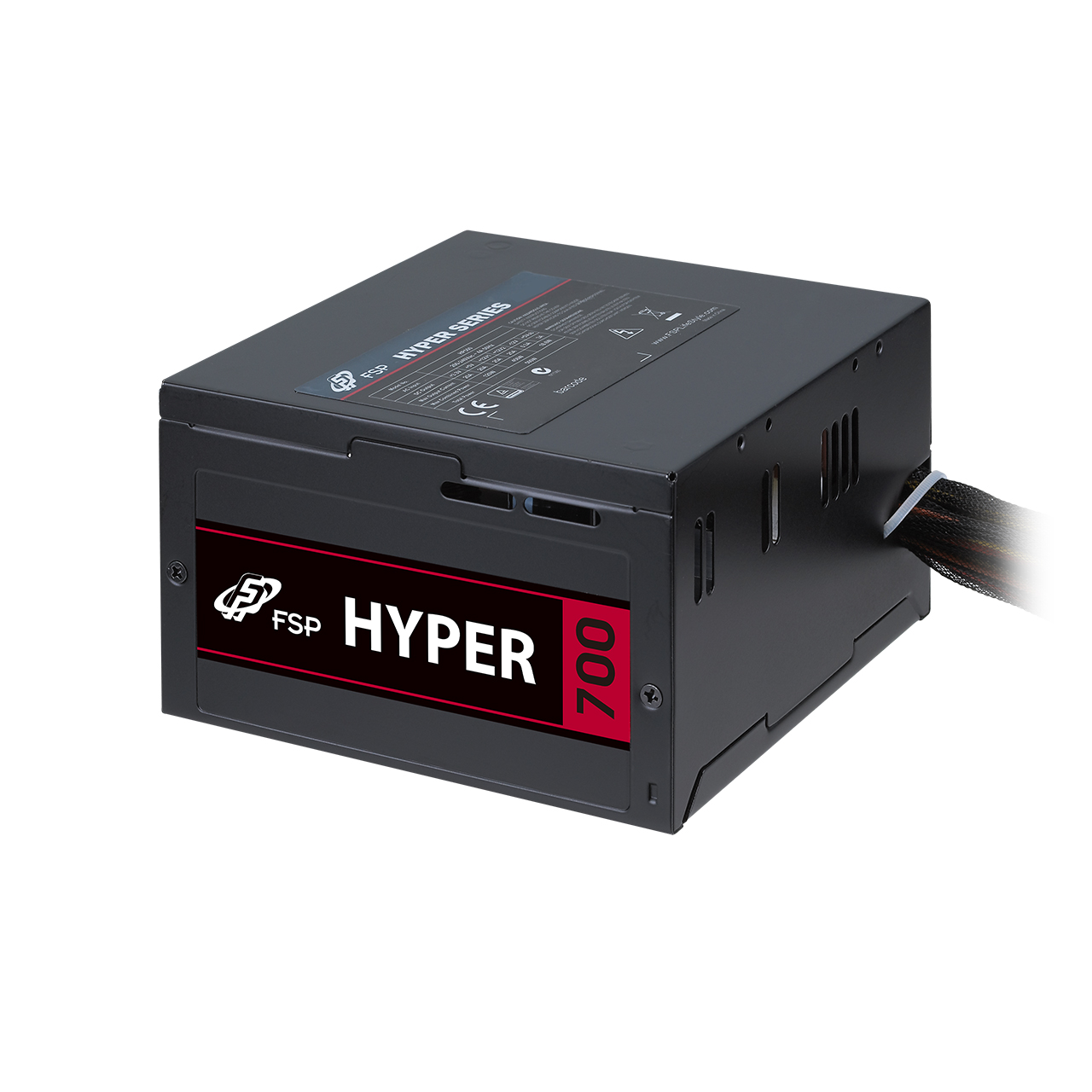
In the world of PC Building, almost all of us have tried or thought using an old part from and old pc while rebuilding or upgrading new one, especially the PSU and Hard Drives (SSD, HDD...). We thought that "Why Not?" if the part works well... Why not save it? Yeah? But is that really a good idea? Let’s discuss using an old PSU from a system that we upgraded or throw away...
🔌 What Does a PSU Actually Do?
PSU is the power supply unit of your PC... It gets alternative current electricity from your wall outlet which is comes from your City, converts it into the DC and feeds electric to power your motherboard, feeding the CPU, GPU, Hard Drives, Fans etc... Any part that uses electricity current that it needs... It’s also responsible for voltage regulation and having a stable pc running state by providing voltage regulation. A bad PSU has potential of causing all kinds of weird issues like random shutdowns, data corruption, or having overvoltage to the components, frying them...
💭 When You Can Reuse an Old PSU
✅ 1. It’s Not Too Old and Brand Quality
If your PSU is less than 5 years old and was a quality brand (Corsair, Seasonic, EVGA, etc.), it has high chance of stable and safe use...
✅ 2. It Serves the right ATX Version For your Build
| ||

- ATX 2.0 (2003) : Introduced the 24-pin power connector (replacing the old 20-pin), added SATA power connectors, and improved 12V rail support for modern CPUs and GPUs.
- ATX 2.2 (2005) : Required dual +12V rails, aimed at safely handling power-hungry components like GPUs.
- ATX 2.3 (2007) : Improved efficiency and standby power, aligned with 80 PLUS power supply standards.
- ATX 2.4 (2013) : Updated the standard to support modern high-efficiency requirements (like Haswell CPUs), with better low-power standby support and improved efficiency metrics.
- ATX 3.0 (2022) : A new big performance update for new High End GPU's (like NVIDIA RTX 40 series).
- ATX 3.1 (2023) : ATX 3.1 builds on the changes introduced with ATX 3.0 but introduces more refined updates for greater power efficiency and safety...Builds upon ATX 3.0 by offering better transient response...

✅ 3. It Has Enough Wattage
By the time passing, CPU's and GPU's use more power because of increased core frequencies, speeds and voltages... Shortly the TDP consumption increases especially for GPU and CPU. You need to have a wattage that is an strict "Overkill" for your whole parts inside your PC. For a modern gaming pc build, 650W–850W is often the sweet spot today...
Let have a sample gaming pc and its power consumptions of each part:
- CPU: 125W
GPU: 350W
Motherboard: 60W
RAM (4x8GB): 20W
Storage: SSD (5W) + HDD (8W) = 13W
Cooling Fans: 4 fans at 3W each = 12W
Other Peripherals: 20W
Total about = 600W. We need to have a PSU that largely overkills this wattage we calculated estimately.
To ensure system stability and account for potential overclocking or additional components that can be added later, it’s recommended to add 20-30% headroom to your total wattage. In this case:
600W x 1.25 (25% headroom) = 750W
So, a 750W PSU would be ideal for this build including extra %25 headroom. If you plan to upgrade to a more power-hungry GPU or overclock components in the future, you might want to have a larger overkill, consider a 850W or 1000W PSU for future upgrades.. As we know overclocking Cpu, Gpu and Ram may increase voltage for that component may increase its TDP (Power Consumption) and generate more heat...
✅ 4. It’s Not Noisy or Overheating
If you notice high fan speed coming from your PSU fan during benchmark or heavy game load, this means that your PSU is heating too much, means that the PSU is inneficient for that system...
⚠️ Why You Should Not Use an Old PSU?
❌ 1. Aging Capacitors
Even if it turns on and works fine, older PSUs wear out over time. Inside the power supply unit, capacitors do wear out by time and heat, voltage regulation becomes unstable, and you could end up damaging your shiny new GPU or motherboard. You can tear out your PSU and inspect the blown/worn out capacitors inside...
| ||

❌ 2. Efficiency Loss
Older PSUs may be do not have 80 Plus certification or may only can be efficient rated of "Bronze". Newer Gold or Platinum rated PSUs are more efficient, saving you money in long term.
❌ 3. Old ATX Versions
❌ 4. Missing Safety Features
Modern PSU's do have better protection systems than older ones. And dont forget that manufacturers are still trying to develop beter PSU's overtime passing...
OVP (Over Voltage Protection), OCP (Over Current Protection), SCP (Short Circuit Protection), etc are the protection systems that avoids your PSU to blow up itself or the system...
Over heavy loads may make your PSU and its inner components to overheat. Serious meltings can cause shortcut. Make sure your PSU has OTP protection that self monitors the heat inside the PSU, shutsdown the whole system in case of overheat, that prevents the meltdown and the shortcut of the components of the PSU. Thermal protection may do the best job for protecting the system and PSU itself...
❌ 5. Warranty & Support
Remember that a new PC Build should have new fresh warranties for each part, especially the PSU which gives power to all parts... If you use an old PSU, you might know that you will get no any suppot and backup from the manufacturer...
🧪 Real Talk: Is It Worth It?
A new system might cost 500 - 1000 Dollars... Let's be honest, for not losing 50-100 Dollars for a new PSU, you might risk your system that cost 500-1000 Dollars. Also you might lose your self important data if bad PSU shortcut/fry your SSD Hard Drive. Dont forget that SSD data recovery solutions is expensive and sometimes can be impossible...
Still, if your old PSU:
- Is high quality and good, well-known brand
- Isn’t too old (5 years old max)
- Meets the power and atx needs of your new system which means that it has right cables for your system and able to feed your Mobo and GPU...
…then sure, it can work as a temporary solution until you test your system etc... But you need to get a Brand New PSU Soon...
🛠️ Pro Tip: Check Theese Before You Plug
Use a PSU tester or multimeter to check voltages. And always double-check your connectors plugging in the wrong cable (like a CPU connector into a GPU socket) can cause serious damage.

✅ TL;DR – Should You Use an Old PSU?
| Scenario | Recommendation |
|---|---|
| High-quality PSU < 5 years old | Can reuse (check specs!) |
| Low-end or generic PSU | Replace it |
| Doesn’t have modern connectors | Replace it |
| Building a high-end system | Get a new PSU |
| PSU shows signs of wear/noise | Replace ASAP |
💡 Personal Experience
I am using FSP Hyper S 700W 80+ Silver Psu in my new system. It is an old ATX 2.4 Single Rail Silver PSU bought in 2015 for my previous system. I realized that the PSU still holds on my previous Intel Haswell I7 4790K System with GTX 960 4GB...
My new build is:
- CPU: AMD Ryzen 5 7600X (105W TDP, 115W at My Benchmark)
- Mobo: ASUS TUF Gaming B650M-PLUS Wifi ATX 2.4
- Ram : Gskill Flare X5 32GB (16GB x2) 6000Mhz 32cl 1.35v
- GPU : Zotac 3060Ti Twin Edge OC (200w)
- PSU : FSP Hyper S 700W Silver (From previous build)
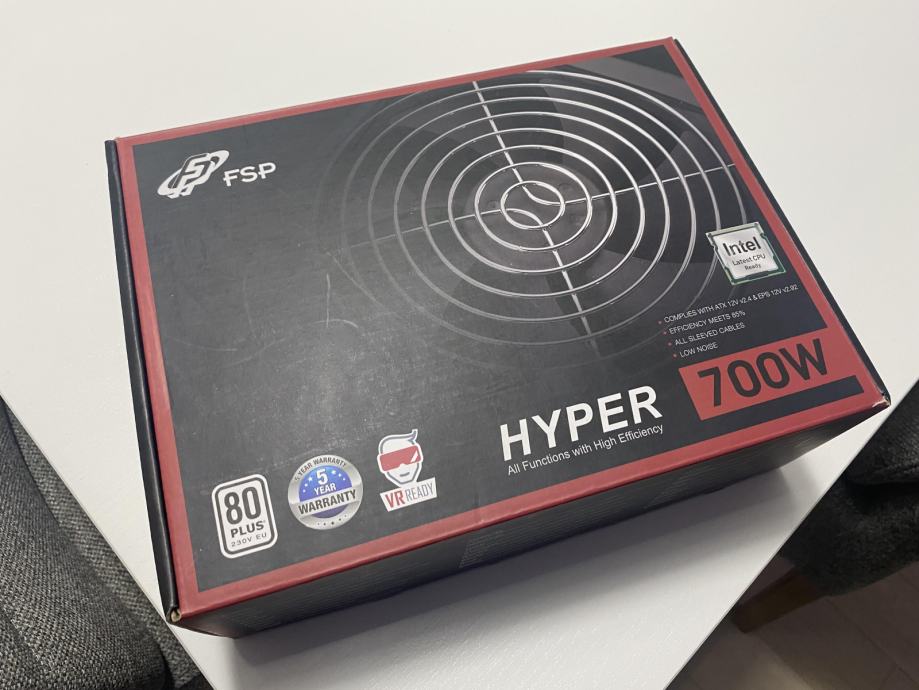
- FSP Hydro K Pro 750W ATX 3.0 Psu Might be the most budget for this build...

💡 Final Thoughts
Your PSU is like the heart of your PC. If it fail, you risk your expensive PC that gained with hard earned money. While reusing an old PSU can be okay in certain cases, if you can afford, dont risk it and buy a new quality PSU...


Comments
Post a Comment